Campaign Management System Course – English

Uncategorized
Wishlist Share
Share Course
Page Link
Share On Social Media

What Will You Learn?

  • By the end of this course, learners will be able to:
  • Understand CTC and CMS and how CMS supports citizen outreach and welfare delivery workflows.
  • Navigate and log in to CMS using an email or phone number.
  • Manage users and access levels, including creating National Users (Super Admin), State Users, Campaign Managers, and Mobile Users, and updating user details safely.
  • Create and manage campaigns using the Campaign Builder, including setting campaign details and configuring stages such as Identification and Eligibility.
  • Add the mandatory Registration stage and attach the correct form (e.g., Individual Registration Form).
  • Create and assign tasks for campaign stages using:
  • Manual task creation
  • Bulk assignment
  • Exotel integration (call-flow based task creation)
  • Upload beneficiary data in bulk to generate tasks efficiently and track task sources correctly.
  • Manage campaign statuses by adding, editing, or deleting statuses and operation types (including calling-campaign variations).
  • Generate and download reports by selecting state, campaign, and required data columns and exporting after preview.
  • Overall, learners will gain the skills to use CMS end-to-end—from configuring campaigns and users to tracking tasks, statuses, and reporting progress.

Course Content

How to Log into the CMS

User Management

Campaign Builders

Task Management

Status Management

Report Download

Case Management App

Course Assessment

Earn a certificate

Add this certificate to your resume to demonstrate your skills & increase your chances of getting noticed.
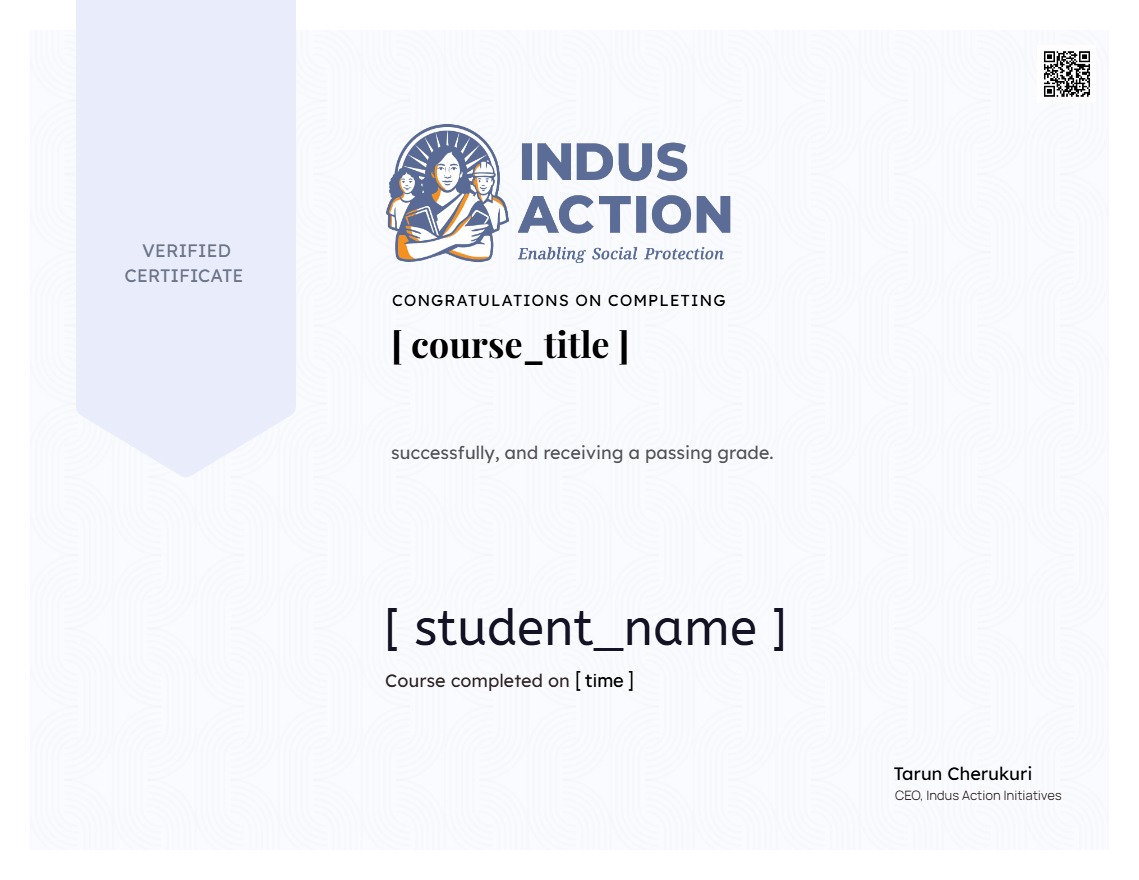
selected template